
If you spend time browsing the web, you need to hear about a major security alert. Recently, there has been a serious fbi warning chrome edge safari users need to pay attention to right now. Hackers are getting smarter, and they are using everyday tools to sneak into your computer, steal your passwords, and even lock up your files.
Why the FBI is Sounding the Alarm
The FBI recently found that cybercriminals are setting traps using something we all search for: free online file converters. You know, those handy websites that turn a Word document into a PDF or a video into an MP3. While they seem completely harmless, many of the top search results are actually fake sites built to steal your personal data.
How the Fake File Converter Scam Works
Here is exactly how they trick you. Hackers buy ads on search engines so their fake websites show up at the very top of your search results. When you click on the site and upload your file, the website secretly downloads malicious software (malware) or ransomware onto your device. Before you even realize what happened, these criminals can grab your banking details, passwords, and private identity information.
You May Also Read: FBI Warns iPhone Android Users
Who is at Risk?
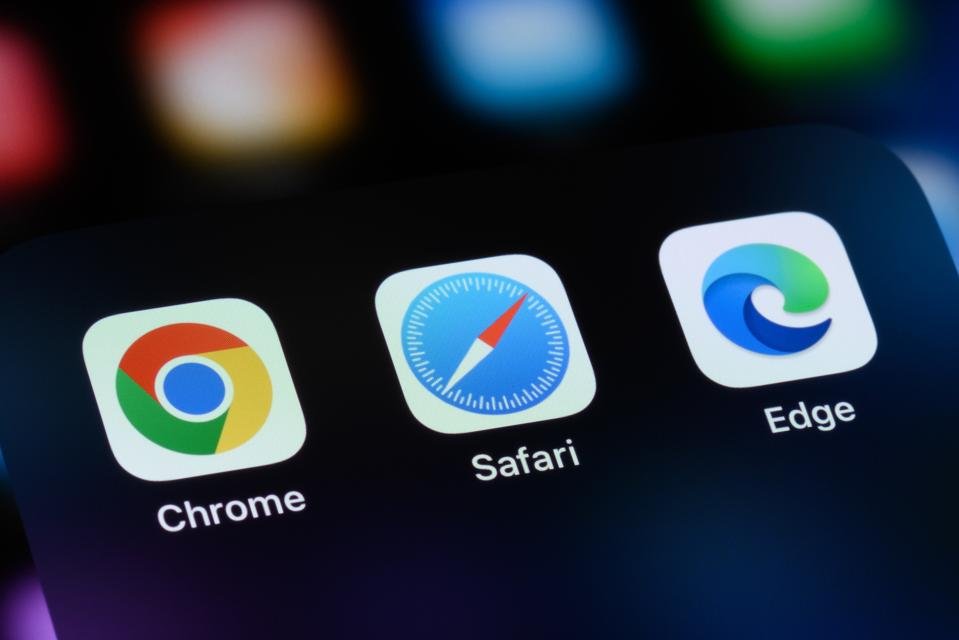
Are you safe if you use an Apple device or a specific browser? Not exactly. This scam targets everyone. Whether you browse on a phone, a tablet, or a desktop computer, you are in the crosshairs.
| Browser | Device Typically Used | Vulnerability Level |
| Google Chrome | PCs, Macs, Androids | High (Most popular browser) |
| Apple Safari | iPhones, iPads, Macs | High (Hackers target iOS too) |
| Microsoft Edge | Windows PCs | High (Default on Windows) |
How to Spot a Malicious Website
These fake websites look incredibly real. Hackers will change just one letter in a website’s name, hoping you won’t notice. For example, they might use “.co” instead of “.com”. You always want to pause and look closely at the web address before you click anything.
Actionable Steps to Keep Your Device Safe
You don’t have to panic, but you do need to be smart. Here is a quick guide to help you tell the difference between a safe tool and a dangerous scam.
| Feature | Safe Website | Scam Website |
| Search Result | Usually an organic, trusted result | Often marked as a “Sponsored” ad at the very top |
| Web Address | Spelled correctly with normal endings | Contains typos or strange endings like .xyz |
| Reviews | Easy to find real user reviews online | No reviews or completely fake-sounding praise |
What to Do If You Clicked a Bad Link
If you think you accidentally used one of these bad converters, act fast. First, update and run your antivirus software right away. Second, change your important passwords using a different, safe device. Finally, the FBI encourages you to report the scam to their Internet Crime Complaint Center (IC3.gov) so they can track down the hackers and help stop the spread.
Staying safe online is all about slowing down. The next time you need to convert a file, skip the random search results and use a trusted, well-known app instead.